
Track Markets At a Glance: New WEEX Price Widgets for iOS & Android

 Prefer us on Google
To streamline your market data access, WEEX has officially launched "Market Watchlist" desktop widgets. You can now get a quick overview of price dynamics and K-line trends directly on your phone's home screen without the need to frequently open the app. Combined with our official LaLiga partnership visuals, your trading tools are now both highly efficient and personalized.
Feature Demo
- iOS
- Android
Feature Highlights
- Multi-Size Layout Support: Available in 2x2, 4x2, and 4x4 sizes. You can choose flexibly based on your desktop space to easily track your followed trading pairs.
- Dual Visual Styles: Built-in "Basic" and "LaLiga" skins. Manually add widgets in different styles according to your preference to enjoy a customized visual experience.
- Independent Watchlist Management: Supports tailored watchlists for each individual widget. Easily search, add, custom-sort, or quickly delete trading pairs to meet your precise monitoring needs for different asset portfolios.
- Dynamic Market Tracking:
- iOS: Follows system low-power strategies for interval refreshing and provides a data update timestamp; you can also tap the timestamp to manually refresh and get the latest market data.
- Android: Higher frequency data synchronization is supported while the WEEX App is running in the background, helping you stay in sync with market pulses in real time.
- One-Tap Trading: Tap any trading pair within the widget to jump instantly to the corresponding futures trading page in the app, capturing trading opportunities as they happen.
Who is it for?
Suitable for traders who want to optimize market data acquisition efficiency, quickly track fluctuations of followed pairs via their desktop, and WEEX users who seek a personalized interface experience.
How to use it?
iOS Users (Requires iOS 17 and above):
- Long-press an empty area on your home screen and tap the "+" icon in the top left corner.
- Search for and select "WEEX".
- Swipe left or right to choose your preferred size and skin style, then tap "Add Widget".
- Tip: Due to iOS system mechanisms, the auto-refresh frequency is scheduled by the system; you can tap the timestamp on the widget to manually fetch the latest prices.
Android Users:
- Pinch two fingers on the home screen (or long-press an empty area) and tap "Widgets".
- Find and select "WEEX" from the list.
- Select your desired size and style, then drag it to your desktop.
- Tip: Please keep the WEEX App running in the background for a smoother data synchronization experience.
Try Now
WEEX App v4.5.18 now officially supports Market Watchlist widgets! Upgrade your app today to unlock market monitoring right from your desktop.
Thank you for your support!
Follow WEEX on social media:
· Instagram: @WEEX Exchange
· X: @WEEX_Official
· Tiktok: @weex_global
· Youtube: @WEEX_Global
· Discord: WEEX Community
· Telegram: WeexGlobal Group
Disclaimer: This content is provided for general branding and informational purposes only and doesn't constitute financial, investment, legal, or tax advice. Any events, rewards, online events, or related information mentioned herein should not be considered a recommendation, solicitation, or invitation to purchase, sell, trade, or otherwise deal in any crypto assets or to use any services. Crypto assets are highly volatile and may result in loss. WEEX services and online events may not be available in all regions and are subject to applicable laws, regulations, and eligibility requirements. You are responsible for ensuring that your use of WEEX services complies with local laws and for carefully assessing the risks before participating in any crypto-related activities.
You may also like
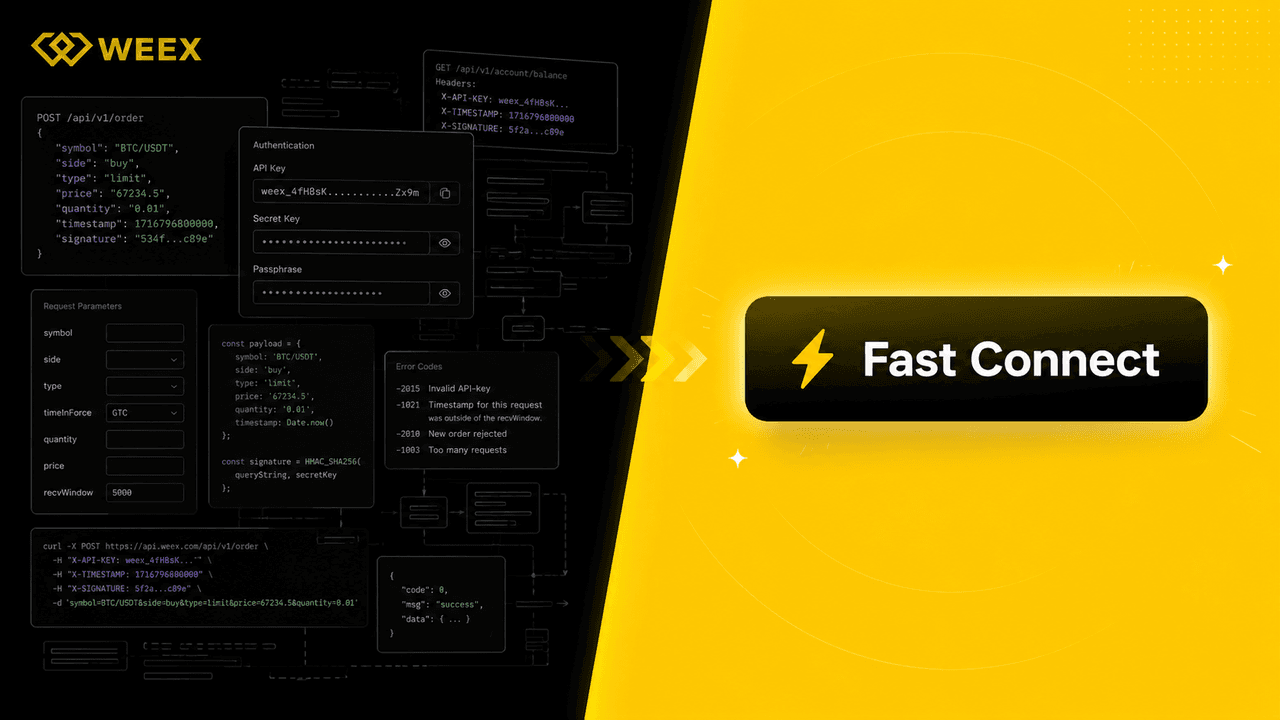
WEEX API Fast Connect: Turn Every Sign-In Into a Live Trader in Under 10 Seconds
WEEX API Fast Connect is a one-click OAuth authorization system that lets your users link their WEEX account without ever touching an API key. Frictionless onboarding, faster conversions, higher retention — built for WEEX Broker partners.

Trade Spot Market Orders With More Control: WEEX Adds Slippage Tolerance

WEEX P2P now supports BDT & LKR—Merchant Recruitment Now Open

WEEX API Broker Program: Turn Your Trading Platform Into a Revenue Engine

WEEX Launches Depth Chart for Spot Trading

WEEX OpenAPI 101: 5 Powerful Modules, AI Trading Tools, and Grab Up to 70% Revenue Opportunities
Learn how WEEX OpenAPI connects traders, developers, AI agents, and trading platforms. Discover WEEX API features, Binance-compatible integration, automated trading workflows, revenue opportunities, and ecosystem possibilities.

WEEX Live mode: Monitor 20 trading pairs at once and trade like a pro

WEEX Makes Affiliate Access Easier on the Web and in the App
Customize Your Spot Trading Page: Drag Modules and Move the Order Panel Where You Want It

WEEX App Just Got Smarter – New Tabs for Faster Trades & Easy Asset Management

WEEX All-New Search Features: Find, Trade & Earn Faster Than Ever

Meet the new WEEX trial fund—your gateway to greater profits
WEEX Deposit/Withdrawal Dynamic Island: Your Asset Status, Always in Sight
Get Paid to Onboard? Try WEEX’s New Homepage with Rewards for Registration, Deposit & Trade

WEEX Custom Layout: Build Your Perfect Trading Workspace in Seconds
See “Buy Walls” & “Sell Walls” Instantly: WEEX Launches the Depth Chart for Smarter Trades

What Is Quick Trade on WEEX? 2 Ways WEEX Ends Chart-Panel Jumping
Guaranteed Price Now Live on WEEX: Execute with Greater Precision

Deposit Smarter & Faster: Discover WEEX’s Powerful Upgrade for Crypto and Fiat Deposit
WEEX New Navigation: Trade Faster, Find Trends, Copy Top Traders Instantly
WEEX P2P now supports KES—Merchant Recruitment Now Open
WEEX P2P now supports COP—Merchant Recruitment Now Open
Major Upgrade on Web: 10+ Advanced Chart Styles for Deeper Market Insights
To deliver more powerful and professional analysis tools, WEEX has rolled out a major upgrade to its web trading charts—now supporting up to 14 advanced chart styles.

Auto Earn Bonus 2026: WEEX vs Binance vs Bybit vs OKX vs Kraken (Only 1 Pays Extra)
Auto Earn 2026: Binance? Bybit? No extra bonus. Only WEEX gives +0.5% + 300% APR referral. Limited-time. See exactly how much more you can earn.

Auto Earn 2026: WEEX Offers 0.5% Extra + 300% APR Bonus — More Than Binance & Bybit?
Most exchanges offer Auto Earn, but only WEEX adds an extra 0.5% bonus on balance growth + 300% APR referral rewards in 2026. Here’s how WEEX compares to Binance, Bybit, OKX, and Kraken — and why you might earn more with a simple toggle.
WEEX OTC Now Supports EUR Deposits via SEPA Bank Transfer
To provide a smoother, more accessible fiat on-ramp, WEEX OTC has added SEPA Bank Transfer.
All-new copy trading
To provide a safer trading experience and clearer fund management, WEEX is rolling out a major upgrade to its copy trading system.

WEEX P2P now supports GHS, ETB & ZAR—Merchant Recruitment Now Open
To make crypto deposits easier, WEEX has officially launched its P2P trading platform and continues to expand fiat support. We're excited to announce that the Ghana Cedi (GHS), Ethiopian Birr (ETB) and South African Rand (ZAR) are now available on WEEX P2P!
WEEX P2P now supports PHP—Merchant Recruitment Now Open
To make crypto deposits easier, WEEX has officially launched its P2P trading platform and continues to expand fiat support. We're excited to announce that the Philippine Peso (PHP) is now available on WEEX P2P!

How to Trade Crypto on Mobile Browser & Win LALIGA Tickets (2026 Guide)
Discover how AI automation, natural language trading, and mobile browser trading platforms are shaping automated trading in 2026. Join the WEEX live trading event for early access and rewards like LALIGA VIP tickets.
WEEX API Fast Connect: Turn Every Sign-In Into a Live Trader in Under 10 Seconds
WEEX API Fast Connect is a one-click OAuth authorization system that lets your users link their WEEX account without ever touching an API key. Frictionless onboarding, faster conversions, higher retention — built for WEEX Broker partners.
Trade Spot Market Orders With More Control: WEEX Adds Slippage Tolerance
WEEX P2P now supports BDT & LKR—Merchant Recruitment Now Open
WEEX API Broker Program: Turn Your Trading Platform Into a Revenue Engine
WEEX Launches Depth Chart for Spot Trading
WEEX OpenAPI 101: 5 Powerful Modules, AI Trading Tools, and Grab Up to 70% Revenue Opportunities
Learn how WEEX OpenAPI connects traders, developers, AI agents, and trading platforms. Discover WEEX API features, Binance-compatible integration, automated trading workflows, revenue opportunities, and ecosystem possibilities.